
Check in every guest in seconds. Even when the Wi-Fi dies.
One registration link, encrypted QR passes, and an Android scanner app that keeps working with no signal. Set up your event in ten minutes — no hardware, no training, no queue.
- ✓ Any Android phone scans
- ✓ Guests need no app
- ✓ Works fully offline
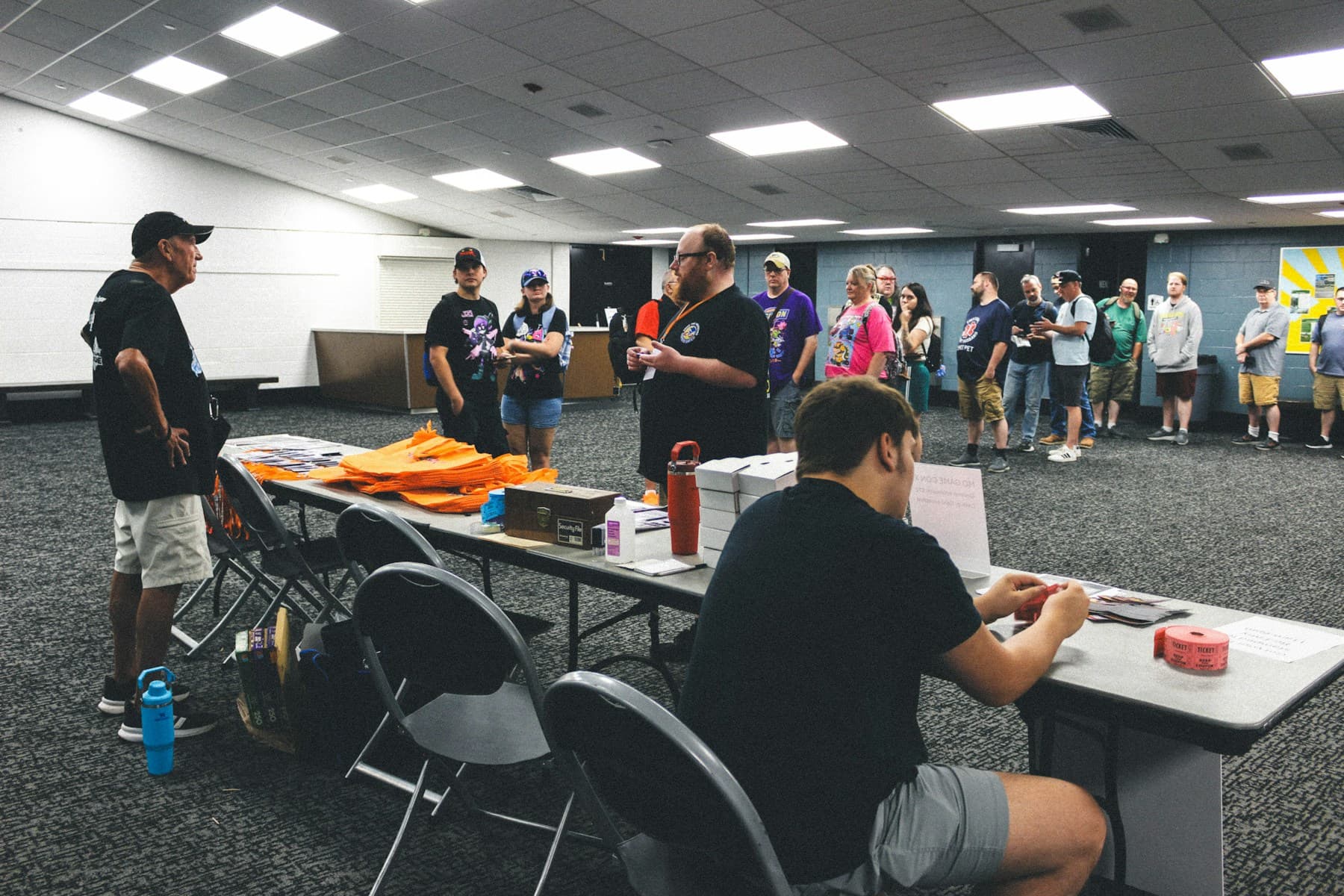 The door, most events
Paper lists, a name that isn’t there, and forty people behind them.
Every event has that moment at the gate. WelcomeQR replaces it with one scan: the guest holds up a pass, your staff’s phone reads it, and the answer is on screen before anyone has to say a word.
- ✓Under a second per guest. Allowed in, already inside, or denied and why.
- ✓No signal needed. The guest list lives on the phone. Scans sync back later on their own.
- ✓Passes that can’t be faked. Encrypted with a key unique to your event. A screenshot from another event is refused.
From nothing to doors open, in an afternoon
- 1
Create the event
Name, dates, ticket types (General, VIP, Staff…), and the questions you want answered at registration. Ten minutes, no training.
- 2
Share one link
Guests register on their phone and get their QR pass on the spot. Walk-ins? Add them from the dashboard in seconds.
- 3
Scan at the gate
Your staff sign in to the Android app, pick their gate, and scan. You watch attendance build up live.
Built for real venues
The same setup runs a 5,000-person fest and a 40-person workshop. Only the number of gates changes.

Fests and club nights
Thousands through the gate, no signal in the pit, re-entry rules that hold.

Conferences and summits
Ticket tiers, workshop rooms with their own gates, badge-free check-in.

Workshops and meetups
One link, a guest list you can trust, and a scan that takes a second.
Custom registration forms
Text, choices, checkboxes, dates, file uploads — per ticket type if you need it.
Multiple gates with rules
VIP door, staff entrance, main gate: choose which ticket types each accepts and cap re-entries.
Check-out and re-entry
Rescan to check a guest out, or run a gate as check-in only. Your call per gate.
Photo ID at the gate
Ask for a photo at registration and show it to staff when the pass is scanned.
Staff see only their gate
Scanner accounts are scoped to the gates you assign. Organizers see everything.
Live scan log
Who came in, where, when, and every denial with its reason — as it happens.
Questions organizers ask
Does it really work without internet?
Yes. Before the doors open, each scanner downloads the guest list and the rules for its gate. Scanning, entry limits and check-out all work offline. Scans queue on the phone and upload automatically when a connection returns.
What does it cost?
Nothing during early access. No card, no trial timer. When paid plans arrive, early organizers will keep a free tier.
Do guests need to install anything?
No. They register in the browser and get the QR pass right there — screenshot it or open the WelcomeQR app to keep all passes in one place.
What do my gate staff need?
Any Android phone with a camera and the free WelcomeQR app. No scanners, no printers, no hardware to rent.
Can someone forge or share a pass?
Passes are encrypted with a key that exists only for your event, so they cannot be read or forged outside it. A pass that is already inside is flagged on rescan, and you can cap entries per ticket type per gate.
How many gates and staff can I have?
As many as the venue needs. Each gate has its own rules and its own assigned scanners.
Your next event, sorted at the door
Create the event now, share the link tonight, scan on the day. Free during early access, no card required.